
Credential vault
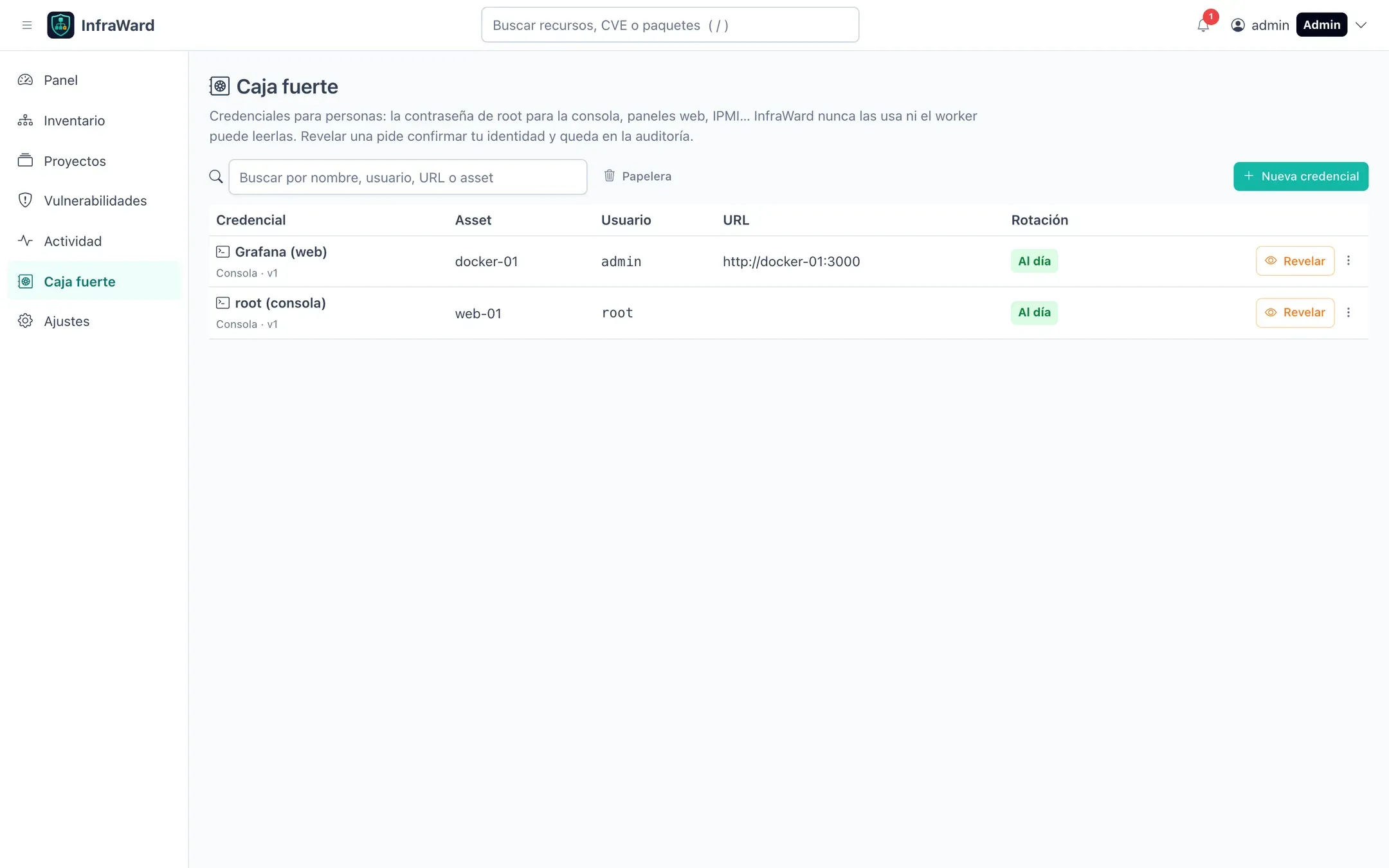
View as MarkdownCaja fuerte (Vault) keeps credentials that people use and InfraWard never does: the root password for a console, a web panel login, an IPMI or iDRAC account. Each entry can be linked to an asset and appears in that asset’s Credenciales tab.
Isolation
Section titled “Isolation”The vault is a separate store from the secrets InfraWard uses to reach servers:
- With OpenBao, it uses its own AppRole (
infraward-vault) and its own path (secret/infraward-vault/). - Without OpenBao, it uses its own key (
secrets/vault.master.key). The API refuses to start if that key is the same as the main master key. - Only the API has the credentials to read it. The worker and the gateway do not.
The provider is shown in Ajustes → Caja fuerte.
Permissions
Section titled “Permissions”| Action | Permission | Roles |
|---|---|---|
| See entries (name, asset, user, URL, rotation state), create, edit, replace the password without reading it, mark as rotated, delete and restore | vault.manage |
Admin, Editor |
| Revelar (Reveal) a password, restore an earlier version, change vault settings | vault.admin |
Admin, always with re-authentication |
Every reveal is recorded in the audit log. Reveals are limited to 20 per user every 10 minutes (VAULT_REVEAL_THROTTLE_LIMIT, VAULT_REVEAL_THROTTLE_TTL).
Create an entry
Section titled “Create an entry”Select Nueva credencial (New credential) and fill in the type, a name, an optional asset, the user, a URL and notes. Type the password or select Generar (Generate) to create one with the length and symbols you choose.
Versions, rotation and trash
Section titled “Versions, rotation and trash”- Each change of password keeps the previous one as a version. The vault keeps 10 versions per entry by default (
VAULT_MAX_VERSIONS, 1 to 100). - An entry is shown as overdue when its rotation period has passed since the last rotation. Set the default period in Ajustes → Caja fuerte; each entry can override it.
- Deleted entries go to Papelera (Trash) and are destroyed after the number of days set in the vault settings.
- The settings can also notify the other administrators of each reveal.
Backups
Section titled “Backups”With the local provider, the vault cannot be restored without secrets/vault.master.key. Back it up separately from the database. See Upgrades, backups and scaling.