Web terminal
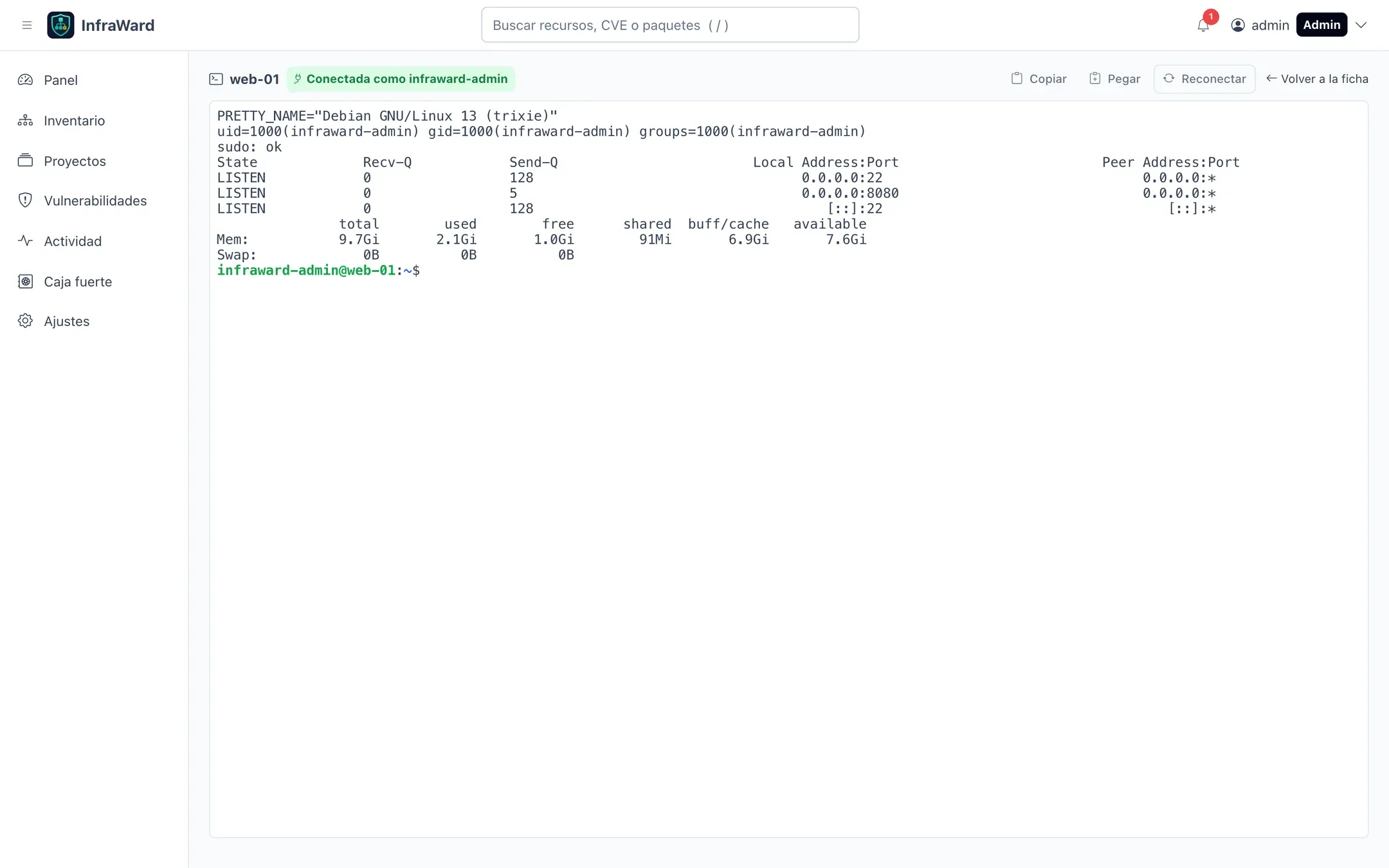
View as MarkdownThe web terminal opens an interactive shell on a server, a CT or a container (Docker, or rootful Podman) from the browser. Nobody needs an SSH key: each session uses an SSH certificate signed for that session only.
Requirements
Section titled “Requirements”- OpenBao enabled (the default deployment). Without it, the terminal is not available.
- The server was enrolled in certificate mode with Permitir acceso interactivo de administración (Allow interactive administration access). For a server that is already enrolled, enable it from its page: in Red y acceso (Network and access), select Activar (Enable) next to Administración, then run the command InfraWard shows. Only administrators can do this.
- The person has permission on the asset (see below) and confirms their identity when opening the session.
How a session works
Section titled “How a session works”- The user selects Abrir terminal (Open terminal). The terminal opens in a new tab; each tab is a separate session.
- The API checks the permission and the recent re-authentication, then issues a single-use ticket.
- The browser opens a WebSocket to
/gateway/on the same origin. Thegatewayservice checks the ticket and the session cookie. - The API signs an SSH certificate for the
infraward-adminaccount with theinfraward-operatorsprincipal, valid for 120 seconds (TERMINAL_CERT_TTL). The gateway uses it to openssh -tt. The session continues after the certificate expires; it is only checked at sign-in. - Opening, closing and the reason for closing are recorded in the audit log.
infraward-admin has passwordless sudo. That is why access is granted per asset and sessions are always tied to an identified, re-authenticated user.
Who can open a terminal
Section titled “Who can open a terminal”Administrators can open a terminal on any asset with administration access. Other users need an access policy. In Ajustes → Acceso (Settings → Access), or in the Acceso a la terminal block of an asset page, choose:
- A quién (Who): a person or a whole role.
- Dónde (Where): an asset (and everything it contains), a tag or a project.
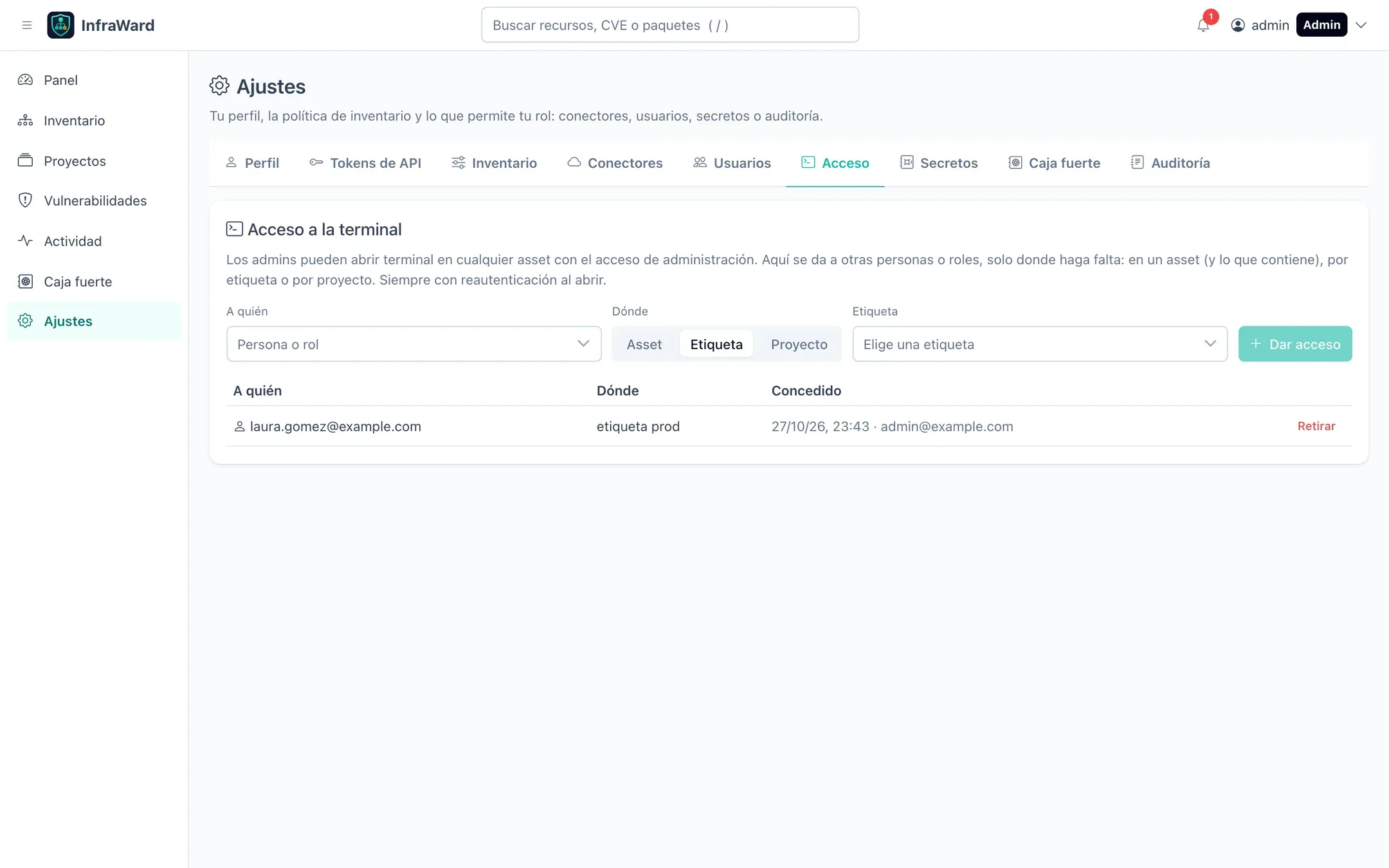
Removing a policy takes effect for new sessions immediately.
Limits
Section titled “Limits”| Limit | Default | Variable (gateway) |
|---|---|---|
| Sessions at once per server | 4 | HOST_MAX_TERMINAL_SESSIONS |
| Sessions at once per person | 3 | TERMINAL_MAX_SESSIONS_PER_USER |
| Idle timeout | 15 minutes | TERMINAL_IDLE_TIMEOUT |
| Maximum session length | 8 hours | TERMINAL_MAX_DURATION |
Restarting or upgrading the gateway warns open sessions and closes them after 60 seconds (GATEWAY_SHUTDOWN_GRACE). The worker and the gateway are separate containers, so a heavy scan or a worker restart does not affect open terminals.
Read-only actions
Section titled “Read-only actions”Some actions run a fixed command on the server through the terminal instead of a shell. Today the only one is enabling rootless Podman users (see Podman). The terminal opens labelled Solo lectura (Read-only), explains what will run as root and waits until you select Ejecutar (Run). You see the command and its output but cannot type; closing the tab ends the session. These sessions need the same permission, re-authentication and administration access as any terminal and are audited the same way, with the action recorded.
Copy and paste
Section titled “Copy and paste”Use the Copiar and Pegar buttons, or Ctrl+Shift+C / Ctrl+Shift+V (Cmd+C / Cmd+V on macOS). Some browsers ask for permission to read the clipboard.
Revoke administration access
Section titled “Revoke administration access”From the server’s page, Retirar (Remove) under administration access generates a command that removes infraward-admin, its sudoers rule and its sshd configuration. If the account has running processes, it is locked and expired instead of deleted.