
Domains
View as MarkdownInfraWard can inventory your domains and DNS records and link them to the servers and services they point to. Cloudflare is the supported DNS provider.
What you get
Section titled “What you get”- Every zone and DNS record as an asset, linked to the server whose address it resolves to.
- Registration expiry from RDAP.
- TLS certificate of each name on port 443: issuer, validity and expiry.
- Dangling DNS: records that point to an address or name InfraWard cannot match to anything, a common cause of subdomain takeovers.
- Path to the service: which proxy and which container serve each name. InfraWard reads nginx, Nginx Proxy Manager, Traefik and Caddy labels, and the NAT forwards you declare in Ajustes → Inventario.
- Public names count as exposure when prioritising vulnerabilities.
Add a Cloudflare connector
Section titled “Add a Cloudflare connector”- In Cloudflare, create an API token (My Profile → API Tokens → Create Token) with two read-only permissions: Zone → Zone → Read and Zone → DNS → Read. Limit it to the zones you want to inventory. Account tokens are also accepted.
- In InfraWard, open Ajustes → Conectores (Settings → Connectors) and select Nuevo conector (New connector).
- Choose Cloudflare, give the connector a name and paste the token. InfraWard tests it when you save and reports a missing permission.
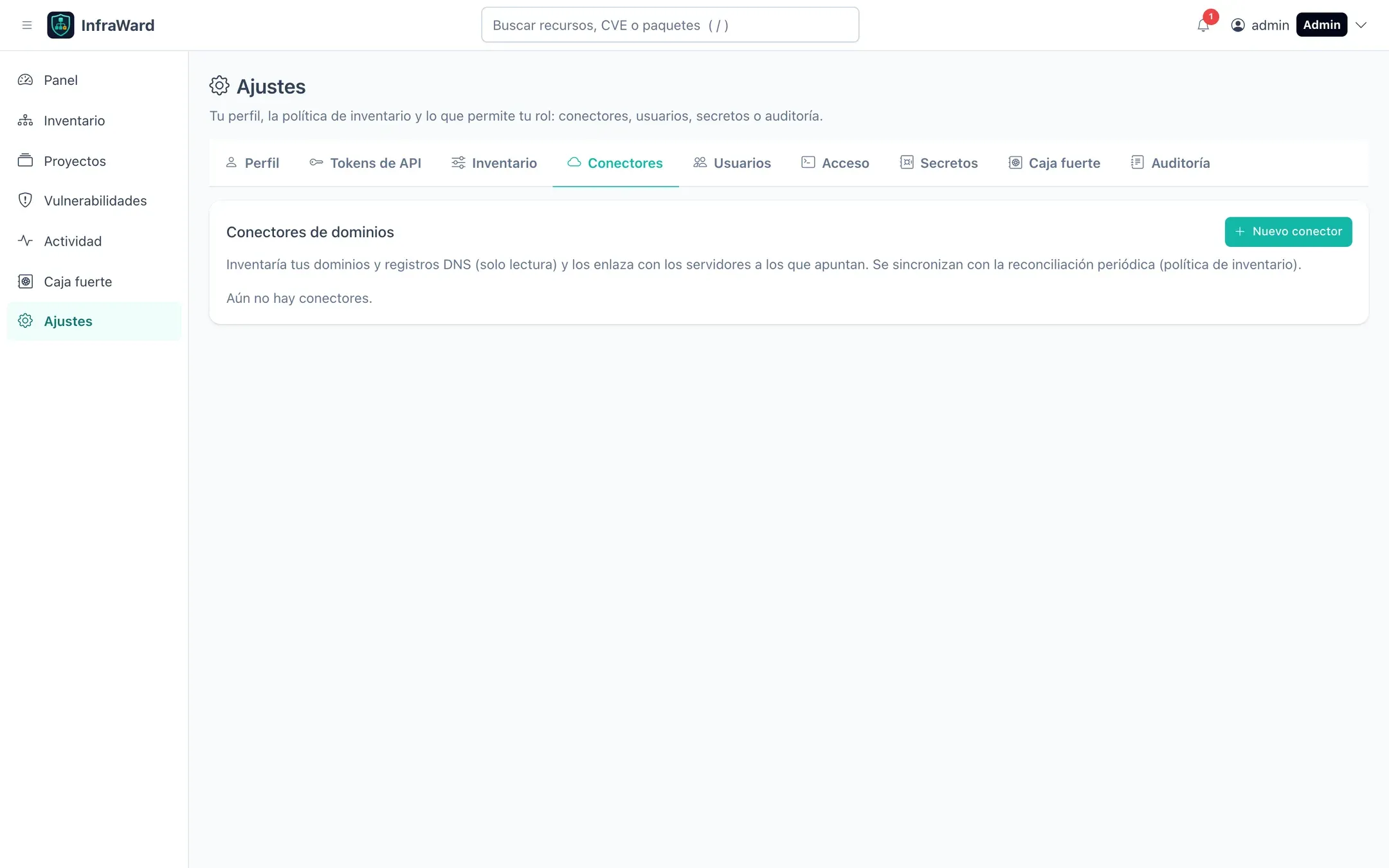
The token is stored in the secrets provider and is never shown again. Managing connectors requires connectors.write (Admin and Editor).
Each connector shows its state, the number of domains and records and the last sync, with Probar (Test), Sincronizar (Sync), Reemplazar token (Replace token) and Dar de baja (Remove). Removing a connector retires its domains and records and deletes the token.
Synchronisation
Section titled “Synchronisation”Connectors are synchronised with the periodic reconciliation (the interval of the inventory policy) and on demand. A zone or record that fails to load marks the listing as partial, and nothing is retired from a partial listing.
To use your own resolvers for CNAME resolution and certificate reads, set DOMAINS_DNS_SERVERS on the worker (ip[:port], comma separated).
Expiry warnings
Section titled “Expiry warnings”Set how many days in advance to warn about domain and certificate expiry in Ajustes → Inventario. Expiring items appear in the dashboard widget Caducidades (Expiries) and in notifications.